

Mixed Theme Package
for FVWM
about
The Mixed Theme Package is a package of themes for the FVWM window manager. Currently the package contains two three four nine fifteen themes.
screenshots
1920x1200, 1280x1024
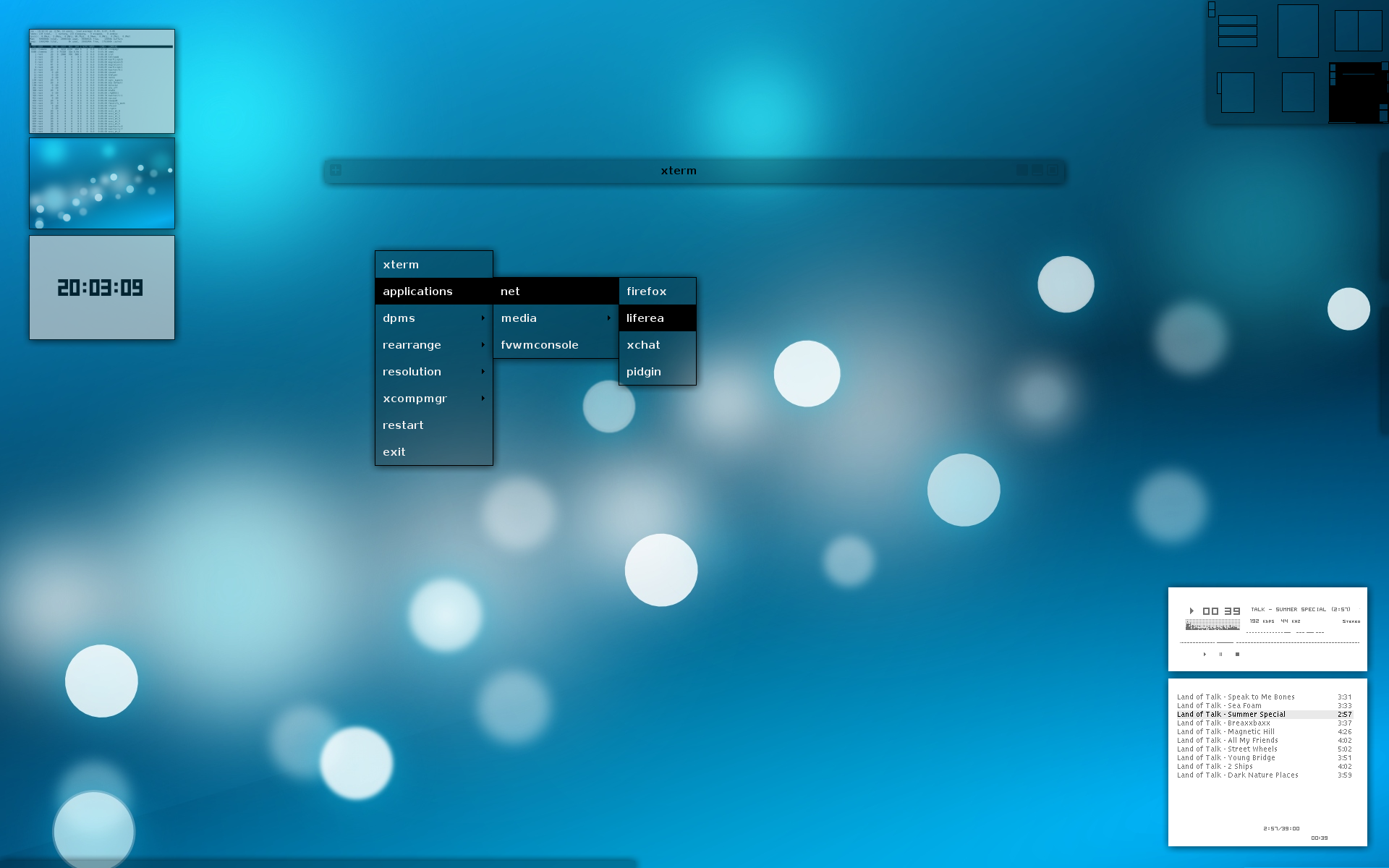 1920x1200, 1280x1024
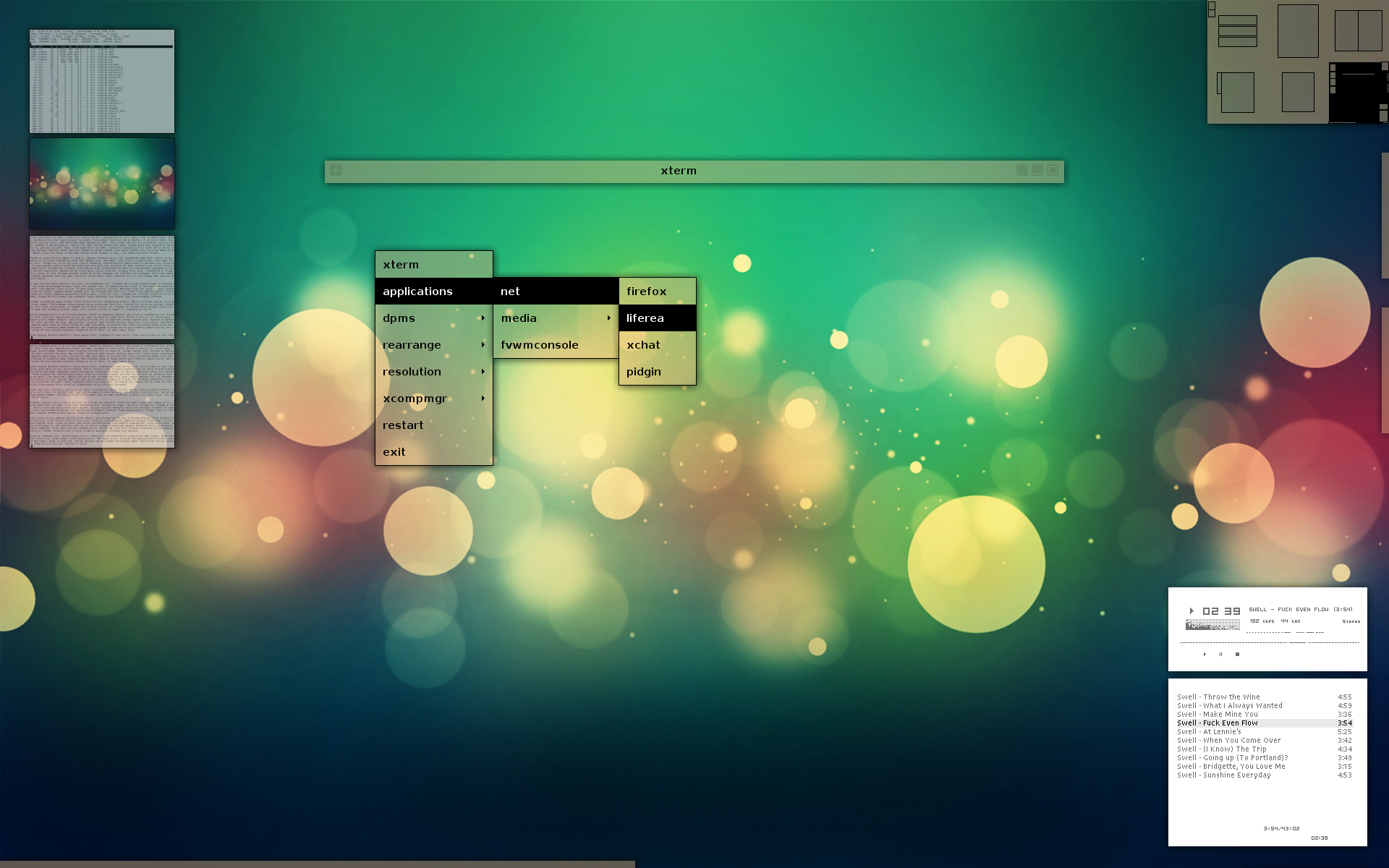 1920x1200, 1280x1024
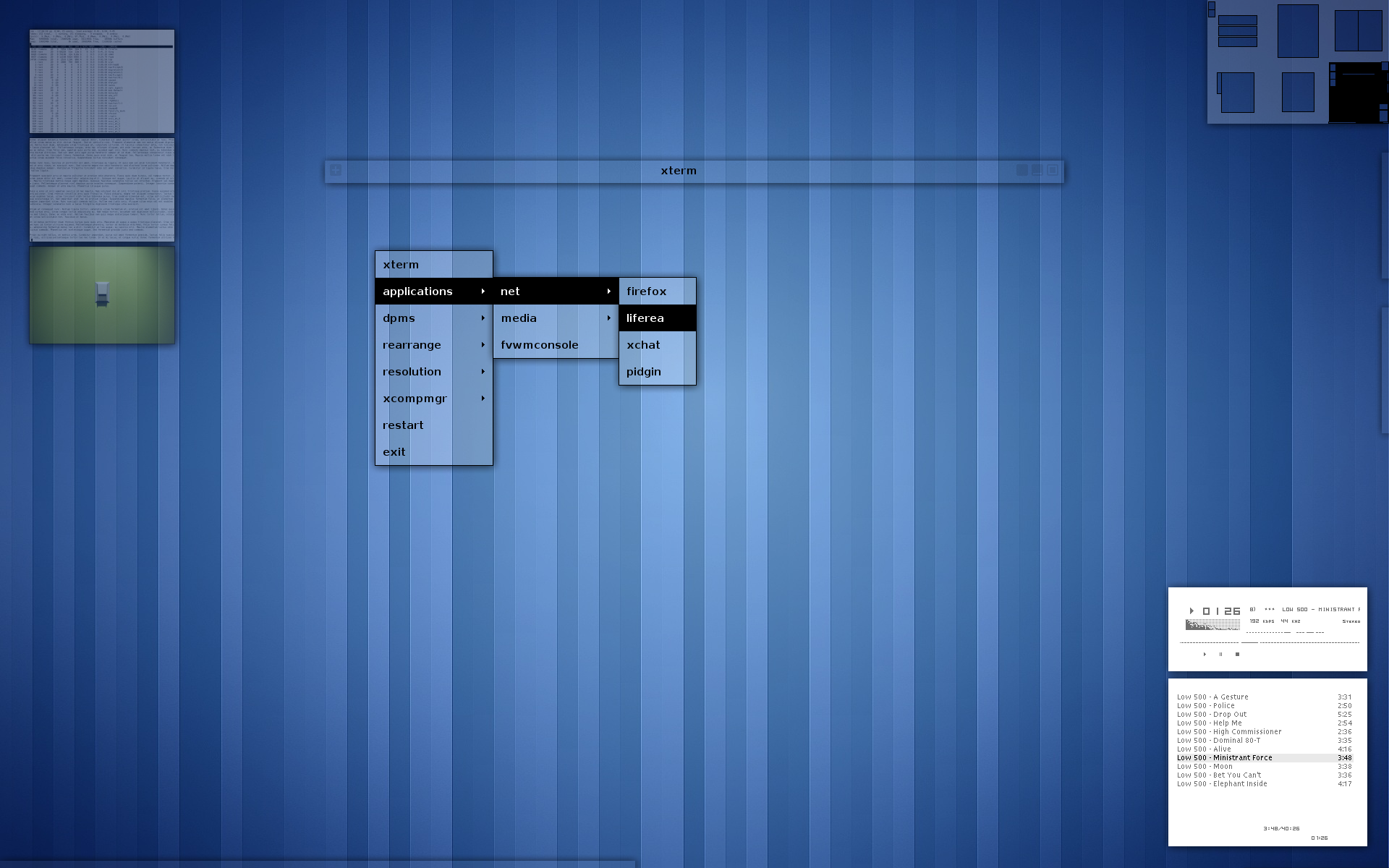 1920x1200, 1280x1024
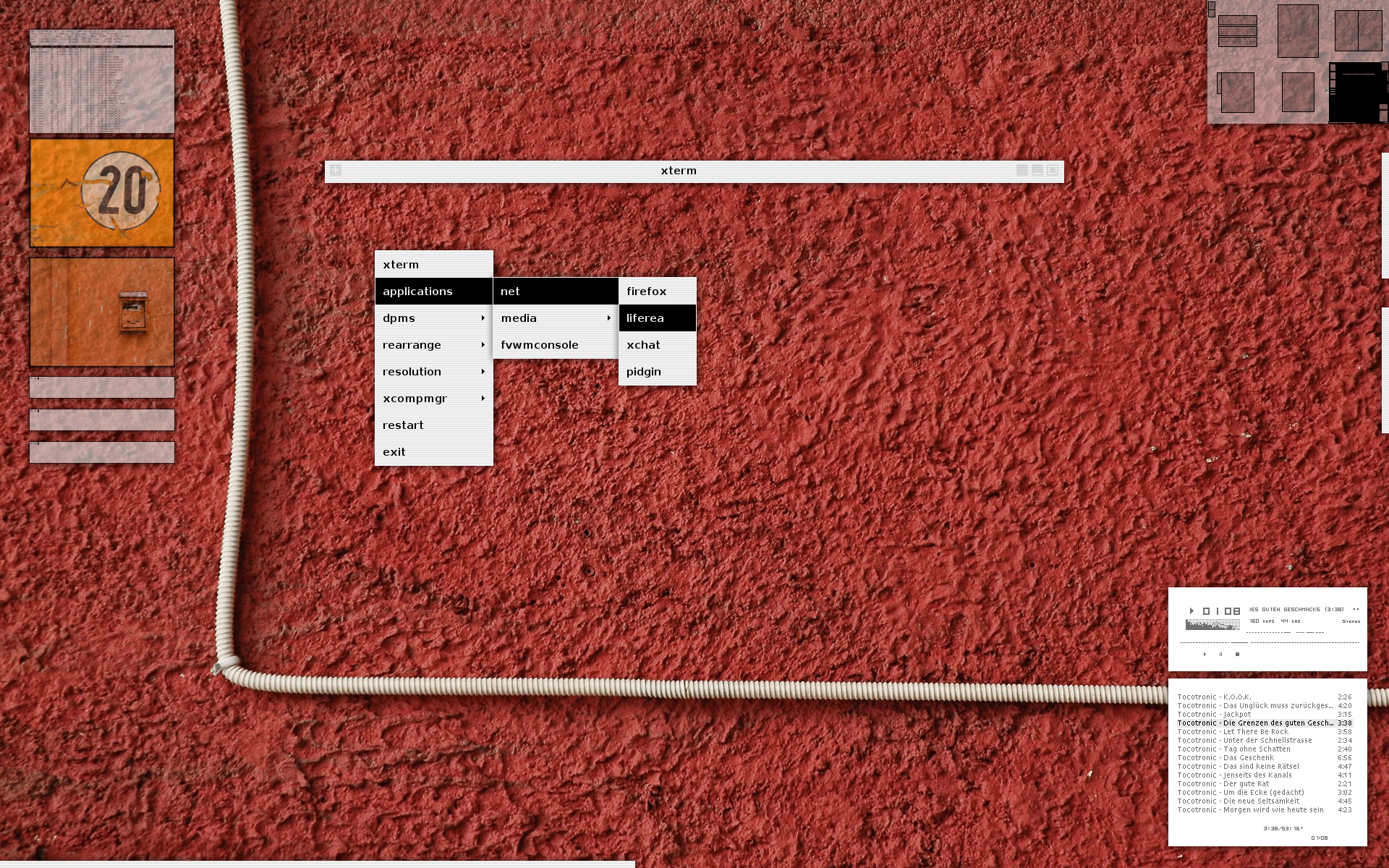 1920x1200, 1280x1024
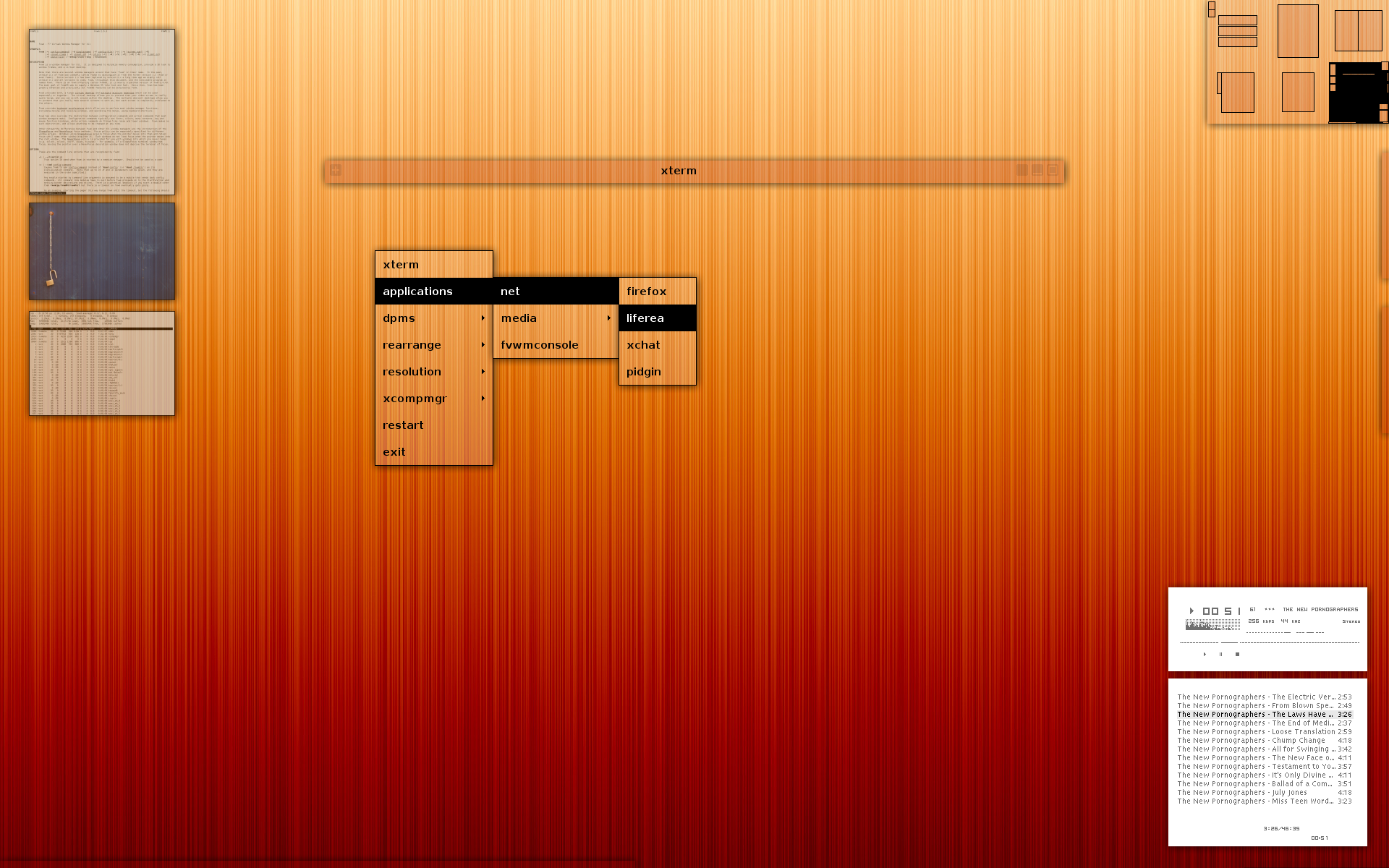 1920x1200, 1280x1024
 1920x1200, 1280x1024
 1920x1200, 1280x1024
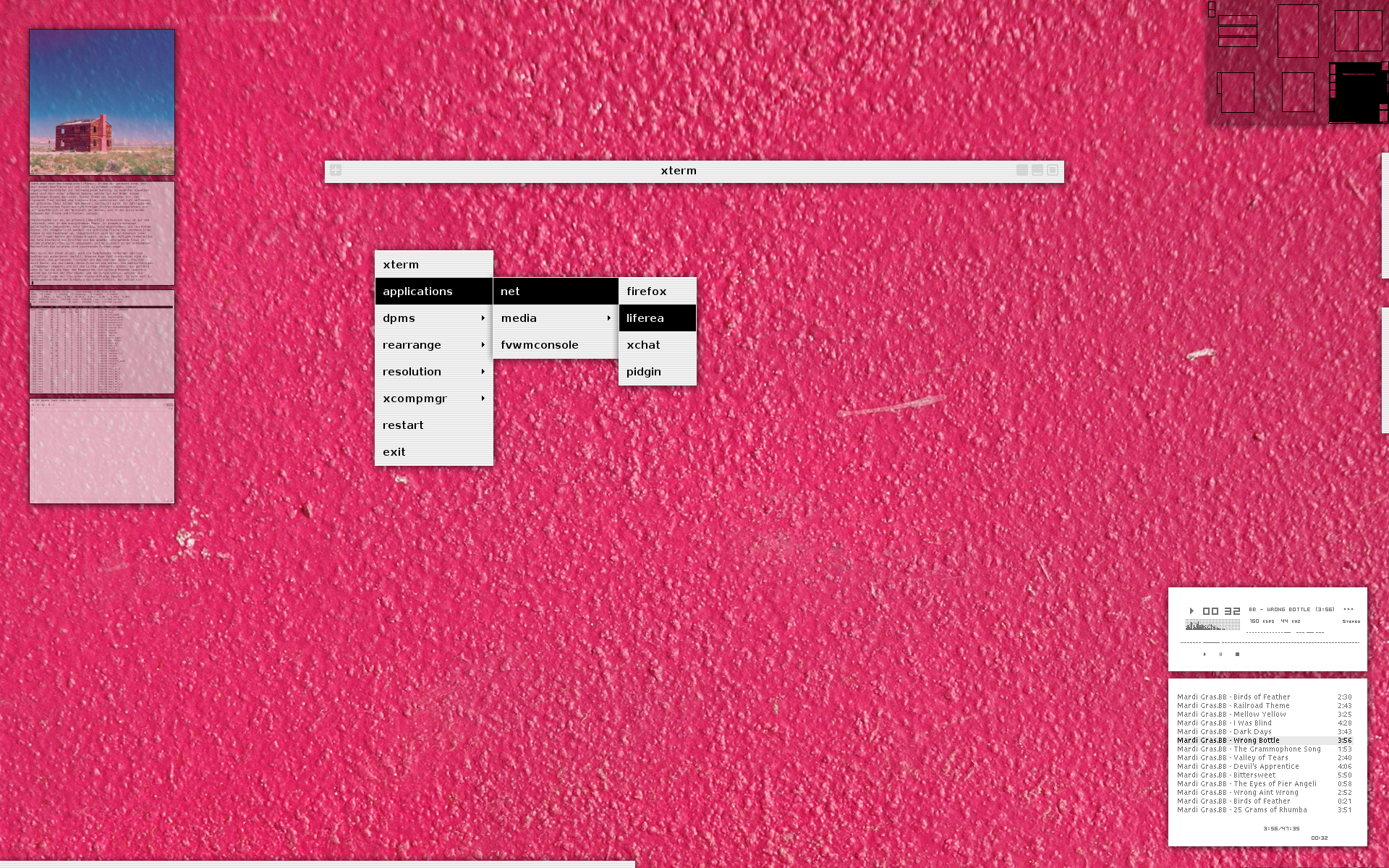 1920x1200, 1280x1024
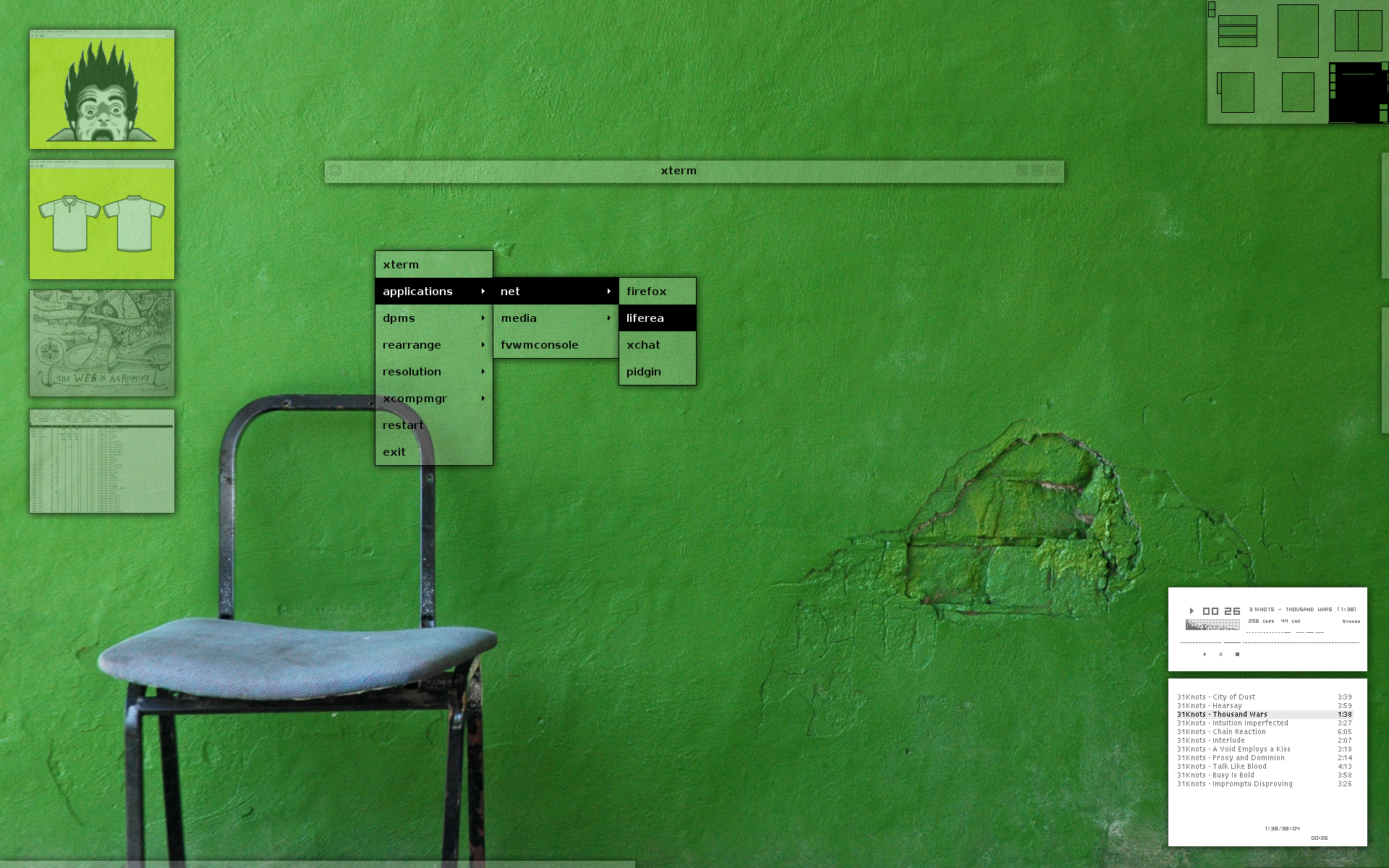 1920x1200, 1280x1024
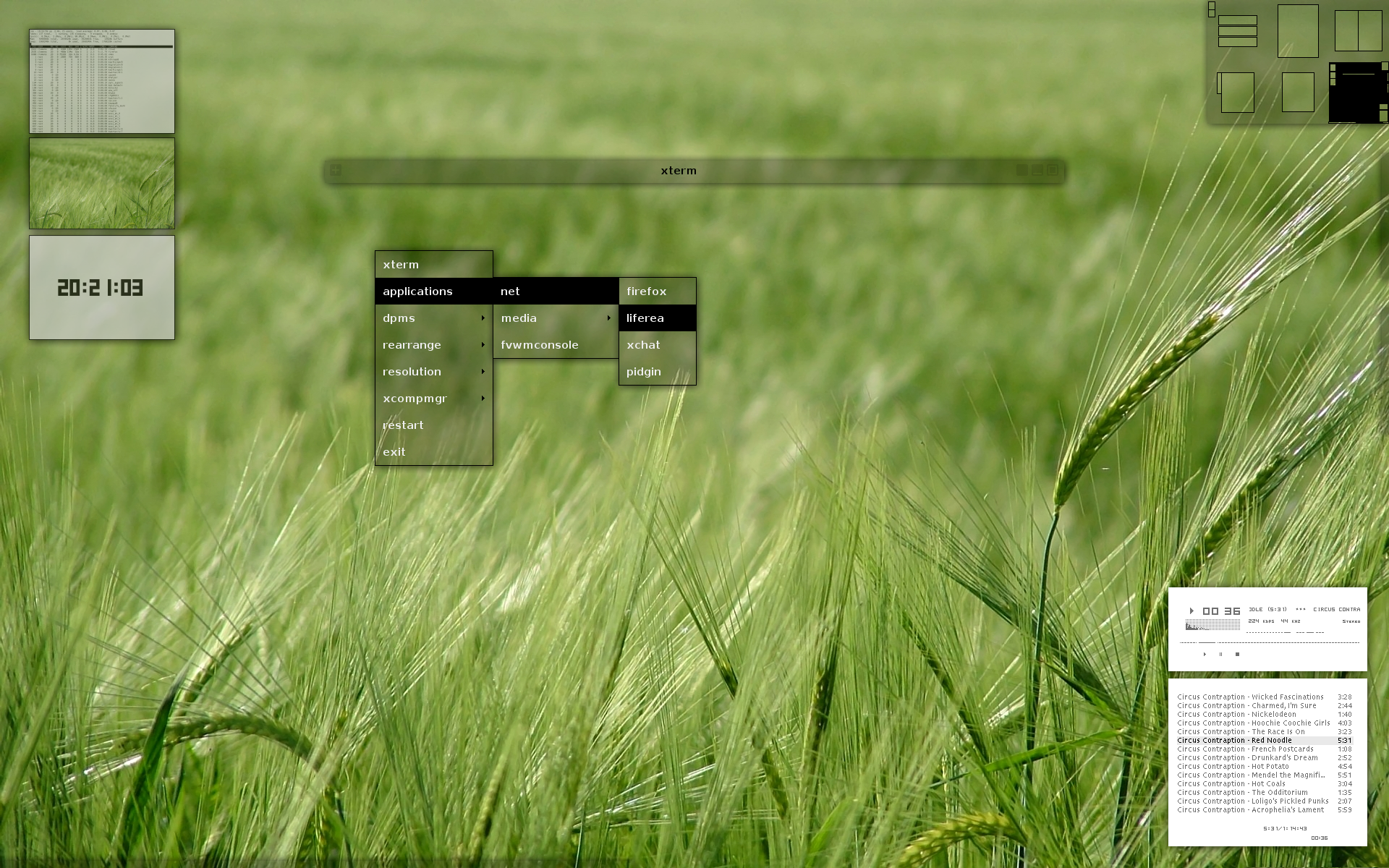 1920x1200, 1280x1024
1280x1024
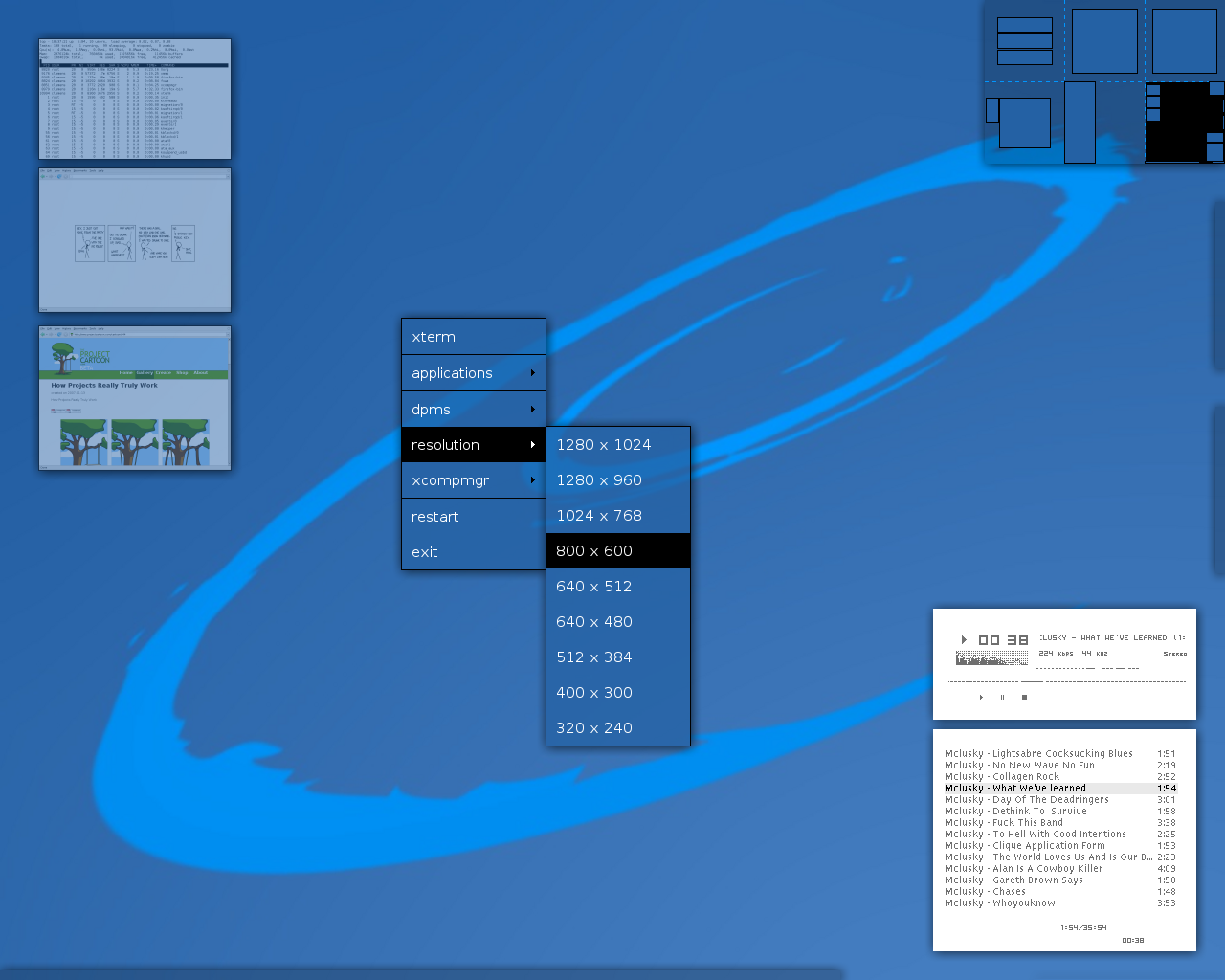 1280x1024
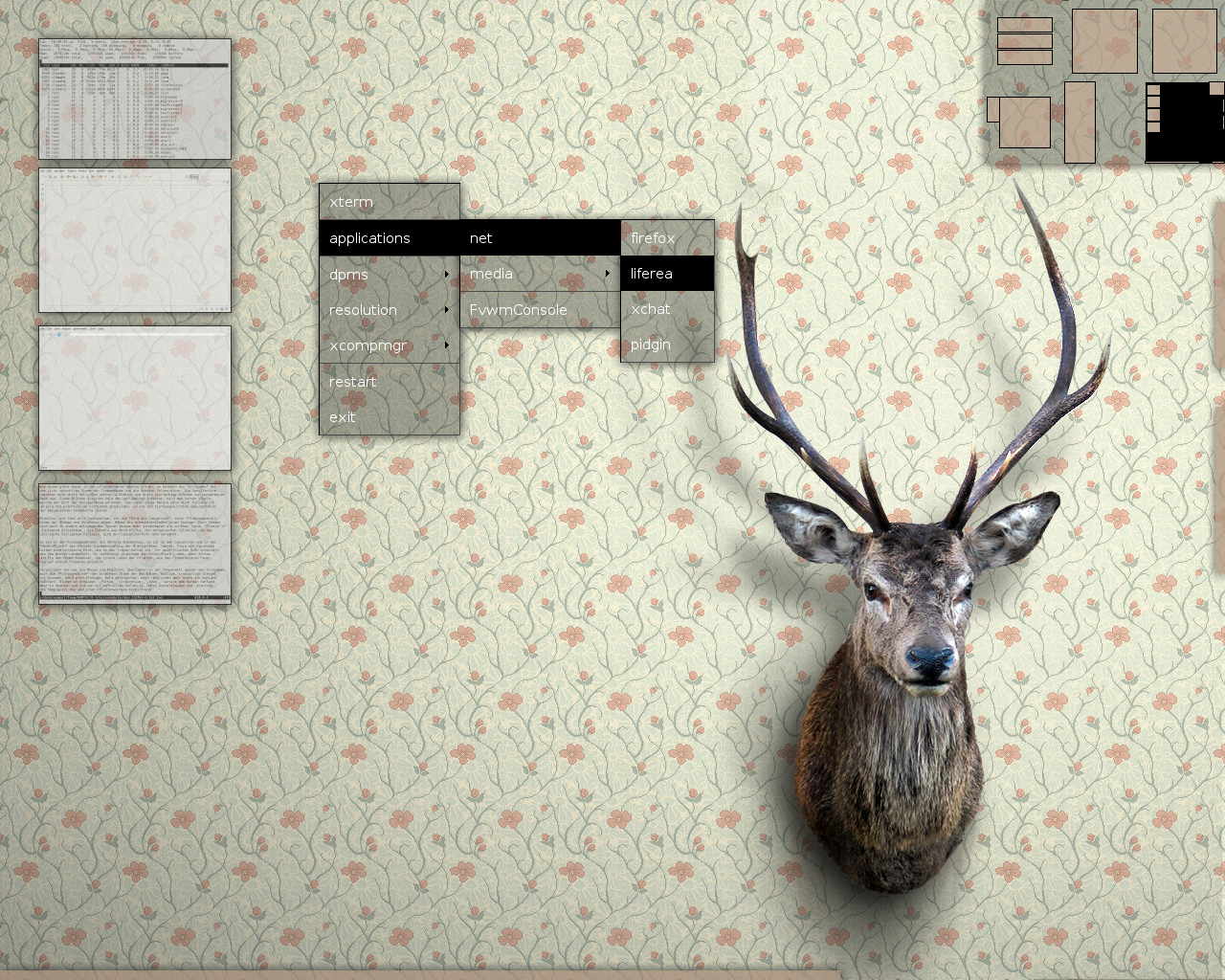 1280x1024
 1280x1024
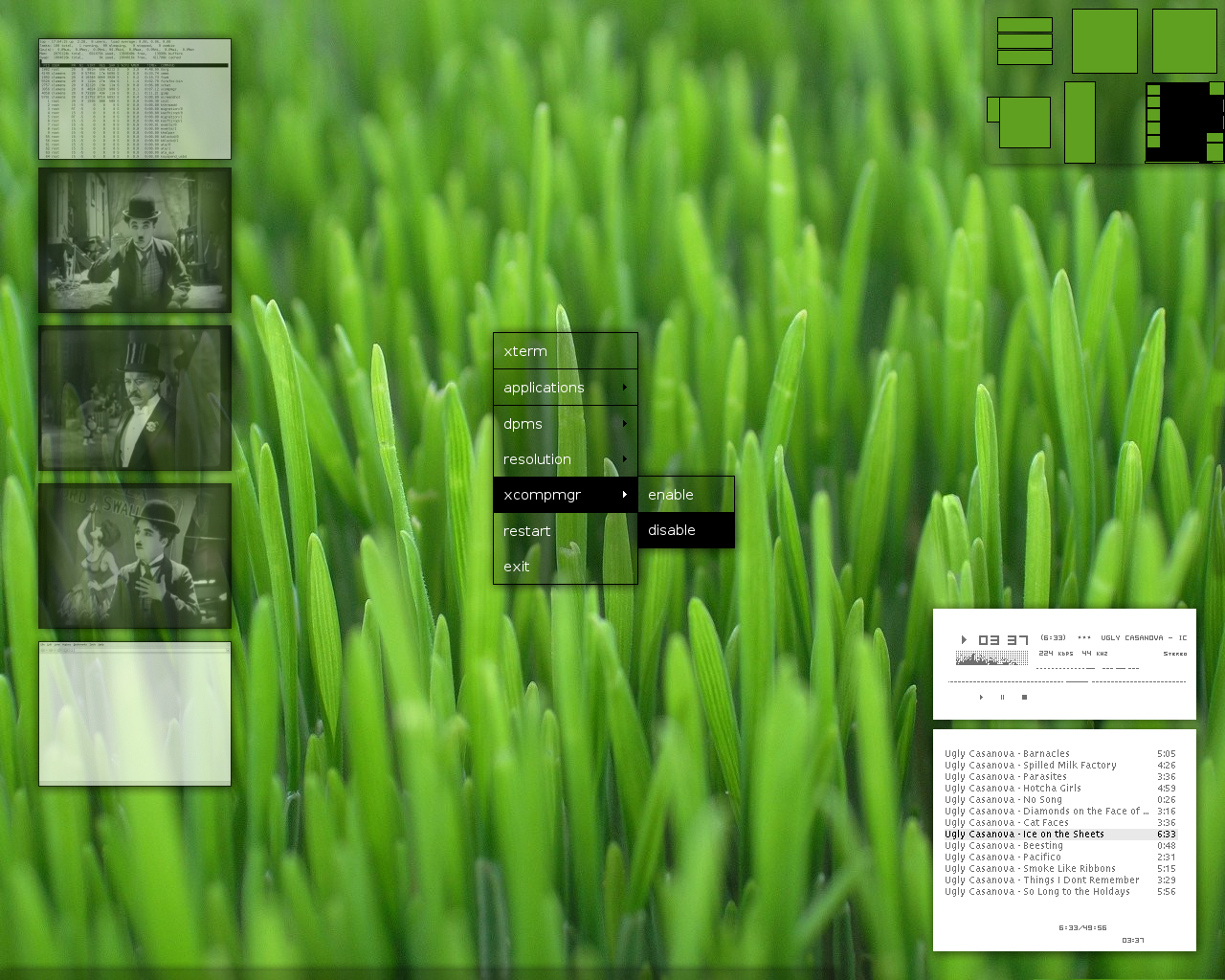 1280x1024
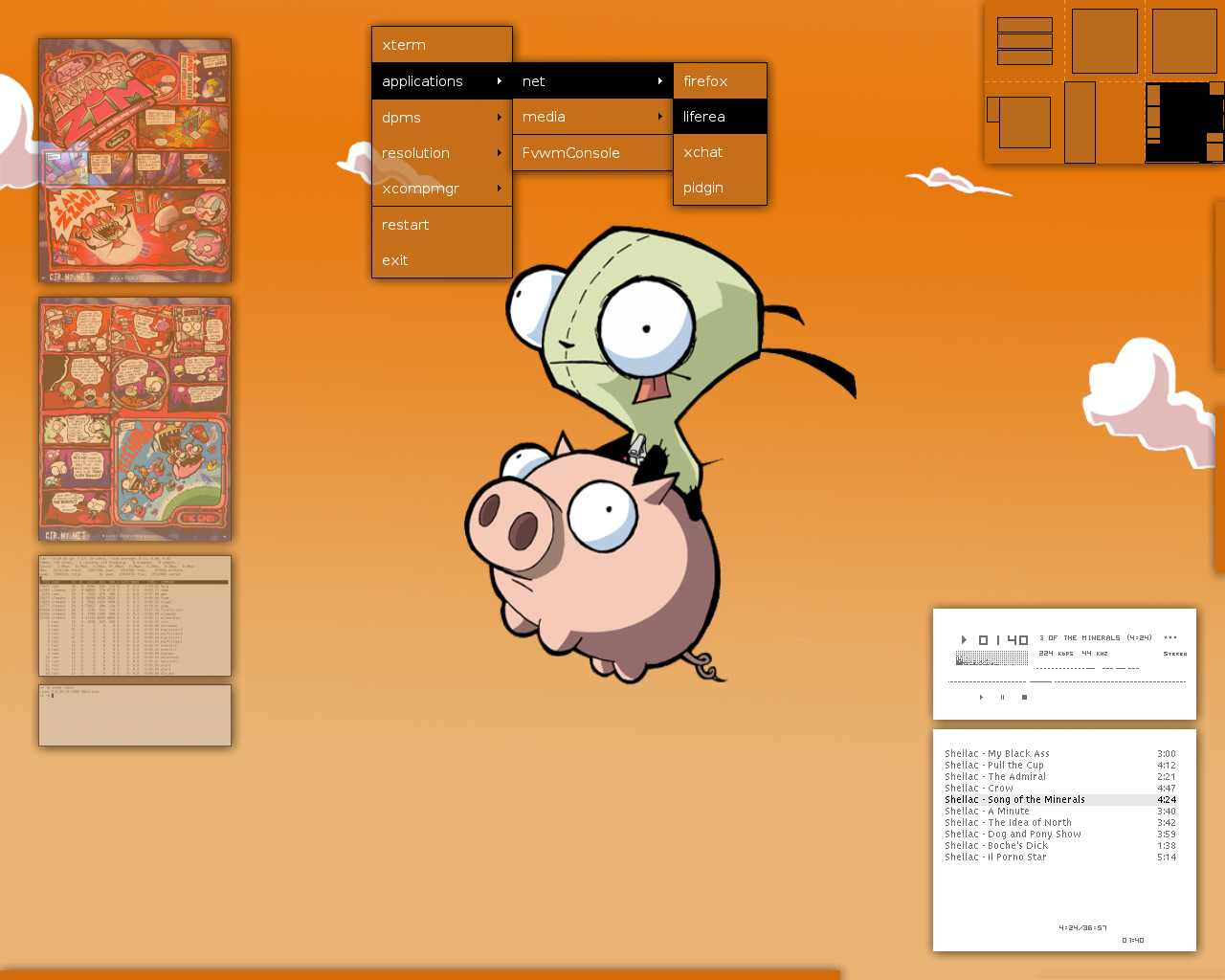 1280x1024
Features
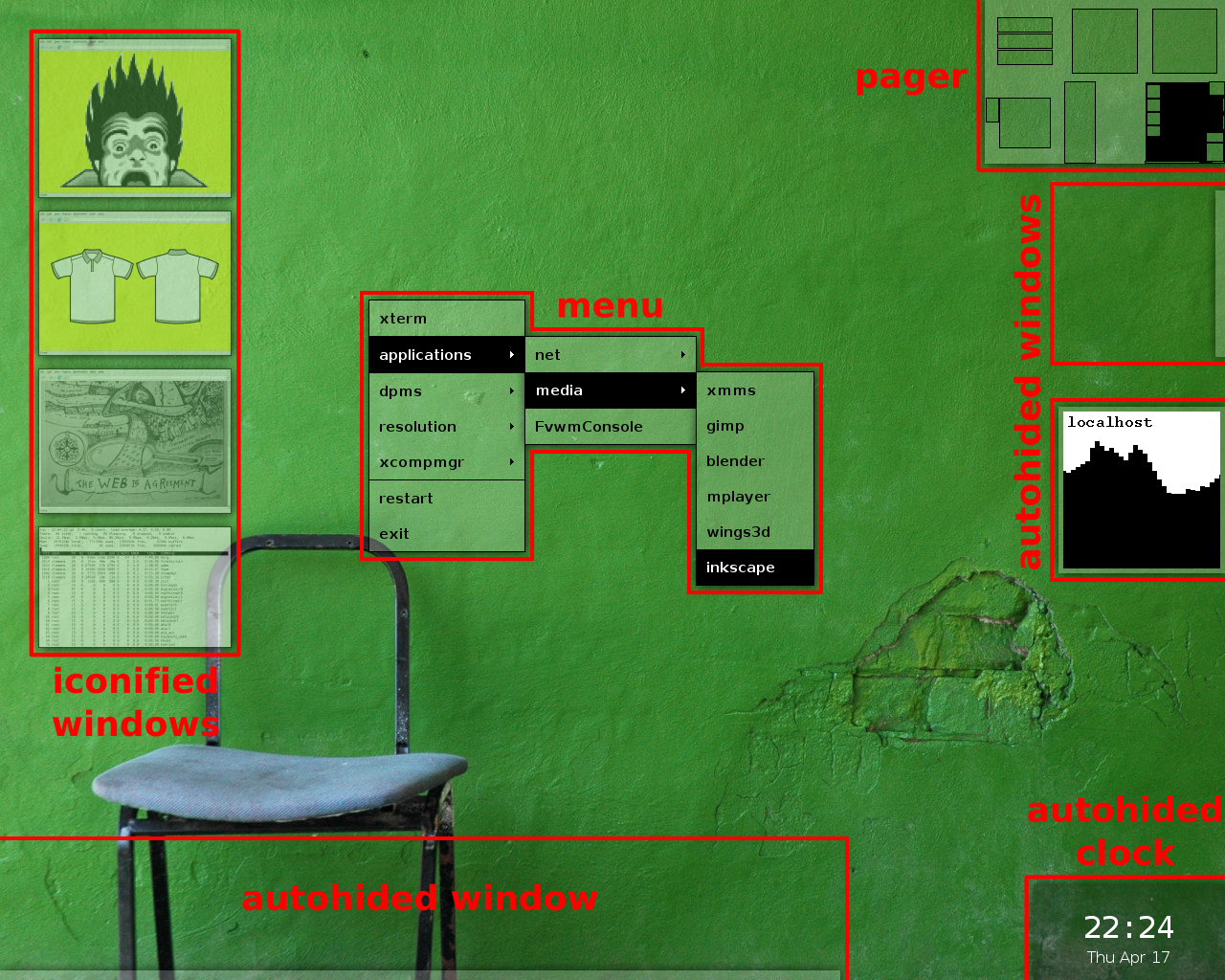
download
requirements
fvwm
Everything has been tested with FVWM 2.6.5, 2.5.30, 2.5.28 and 2.5.26. But it should also work with any newer version.
terminal
Xterm is used as the default terminal emulator. The shell scripts are written with Bash in mind.
font
The Bitstream Vera font family is used as the default font. This font family is part of most GNU/Linux distributions and other UNIX-like systems. The corresponding package under Debian and Ubuntu is called ttf-bitstream-vera.
imagemagick
ImageMagick is used for converting the wallpapers to PNG and for thumbnailing iconified windows.
effects
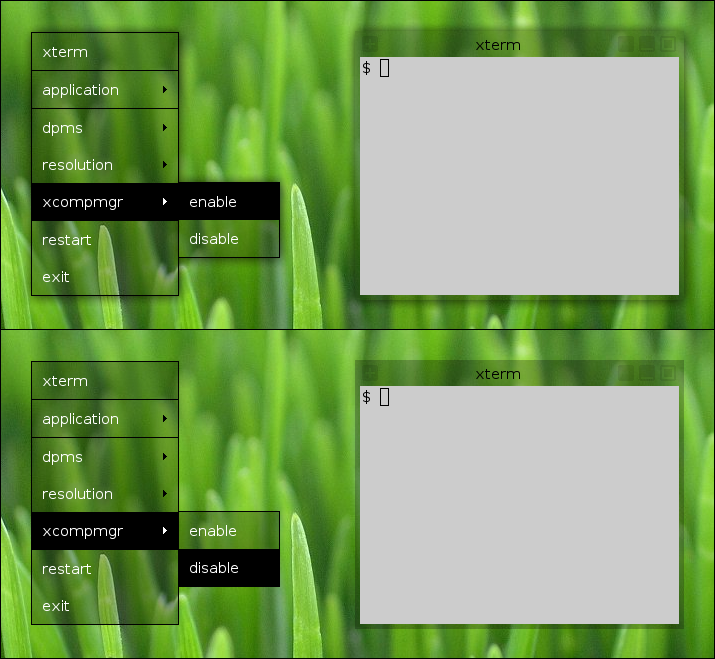
For drop shadows you will need to install a composite manager. Supported are compton and xcompmgr. If both of them are installed, then compton will be used. See BUILD.compton or BUILD.xcompmgr for build instructions.
screen locking
Screen locking is provided by xautolock and slock.
cursor
And finally, a nice looking cursor theme for X is the DMZ cursor theme.
configuration
The installation process is described in the INSTALL file. And information about how to configure and customize the package to your own needs can be found in the file CUSTOMIZE.
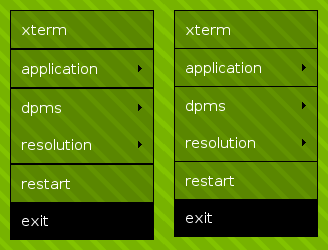
There is also a patch which reduces the height of all menu separator lines to one pixel. The BUILD.fvwm file describes how to apply this patch to the source code of FVWM and how to compile the result.
license and credits
The whole package can't be released under a single license. The problem here is that each wallpaper was released under different terms. And some of them aren't compatible with each other, so a single license can't fit them all. To fix this issue, each theme is now released under the license of the used wallpaper.
Please see the LICENSE file and the following table for full details. It should be OK to bundle and distribute everything together in a single tarball. But don't forget: IANAL.
Note: The wallpapers of the green stripes and the grey stripes theme are not included into the package. They are for personal use only and must be downloaded separately from the wallpaper section of Louie Mantia's website. See the INSTALL file for instructions.
changelog
- Added missed tmp directory.
- Added compton support.
- Added screen locking support.
- Updated key bindings.
- Configuration clean up.
- Added air1 theme.
- Added air2 theme.
- Added blue stripes theme.
- Added cable theme.
- Added elegant stripes theme.
- Added wheat theme.
- Added FvwmRearrange.
- Updated for FVWM 2.6.
- Updated key bindings.
- Updated mouse bindings.
- Updated green stripes theme for 1920x1200.
- Updated grey stripes theme for 1920x1200.
- Updated pink theme for 1920x1200.
- Updated waitingroom theme for 1920x1200.
- Configuration clean up.
- Added some suggestions from Thomas Adam.
- Added green stripes theme.
- Added grey stripes theme.
- Added pink theme.
- Added deer theme.
- Added waiting room theme.
- Configuration clean up.
- Added meadow theme.
- Added xcompmgr support.
- Added date to clock script.
- Added green theme.
- Added clock script.
- Removed icon box.
- First public release.